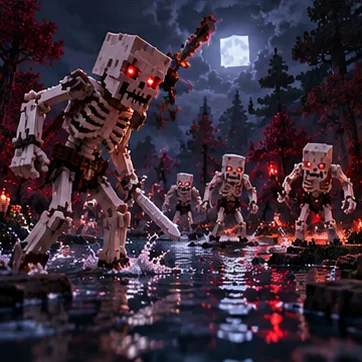
If Born in Chaos Mod is not working, begin with the Minecraft version, loader, dependencies, and game log. Use the checks below to narrow down installation failures, crashes, missing content, and multiplayer mismatches without changing several things at once.
Check the Minecraft Version and Game Profile
Confirm that the downloaded Born in Chaos Mod release matches the exact Minecraft version shown by the launcher profile. Also check that you are launching the modded profile rather than a vanilla installation.
Verify the profile's game directory and the location of its mods folder. A correctly downloaded JAR will not load if it is stored in a folder belonging to a different Minecraft setup.
Match the Loader and Required Dependencies
Read the requirements for the selected release and compare them with your installed loader. A Forge file should not be treated as interchangeable with a file built for another loader.
Install the compatible versions of any listed dependencies and remove duplicate copies of the mod. If the loader reports a missing or outdated component, resolve that named requirement before changing unrelated files.
Read Crash Reports and Isolate Conflicts
Check the latest game log or crash report for the first relevant error. Keep a copy before making changes so you can compare the result after another launch. Back up worlds before testing a different mod combination.
Try a separate profile with Born in Chaos Mod and its required dependencies. If that setup works, restore other mods gradually to identify a conflict instead of deleting every file from your main installation.
Investigate Performance and Multiplayer Problems
For slow gameplay, compare a small test world with your usual world and review render distance, simulation distance, and other installed mods. Changing one setting at a time helps show which part of the setup affects performance.
If multiplayer fails, compare the client and server versions, required mods, and loader configuration. Keep the error message with your setup details; it is more useful for diagnosing the issue than repeatedly reinstalling the same file.
Ready to explore Born in Chaos?
Find the right Minecraft version and mod loader before installing.
Download Now