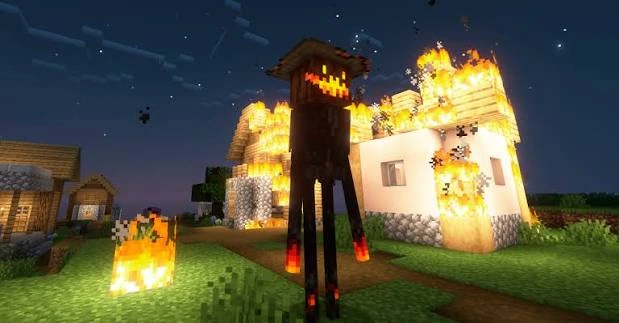
This guide explains a clean installation path for the Born in Chaos Mod 1.7.6 JAR. This release is intended for Minecraft 1.21.1 on NeoForge 21.1.65 or newer.
Check the version before installing
- Use Minecraft Java Edition 1.21.1 for this build.
- Use NeoForge 21.1.65 or newer.
- Keep the mod JAR intact; do not extract it into the mods folder.
Install the mod step by step
- Create or select a Minecraft 1.21.1 NeoForge profile.
- Launch the profile once so its folders are created.
- Close Minecraft and place the JAR in the profile’s mods folder.
- Launch the same NeoForge profile again and verify it reaches the menu before opening an important save.
Back up a world before testing
Copy important saves before adding or updating content mods. A backup gives you a safe rollback if a new mod changes entities, generation, or progression in ways you do not want.
If it does not load
Re-check the game version and loader first. Then test with a smaller mod list. The NeoForge metadata lists GeckoLib and JEI as optional rather than required, so a missing optional integration is different from a loader-version mismatch.
Ready to install Born in Chaos Mod 1.7.6?
Use the homepage download section to get the Minecraft 1.21.1 NeoForge JAR directly.
Download Now